Website and trust
ProblemA homepage has seconds to explain the business, build trust, and create a clear action. Start hereA homepage has one job first
Homepage Checklist
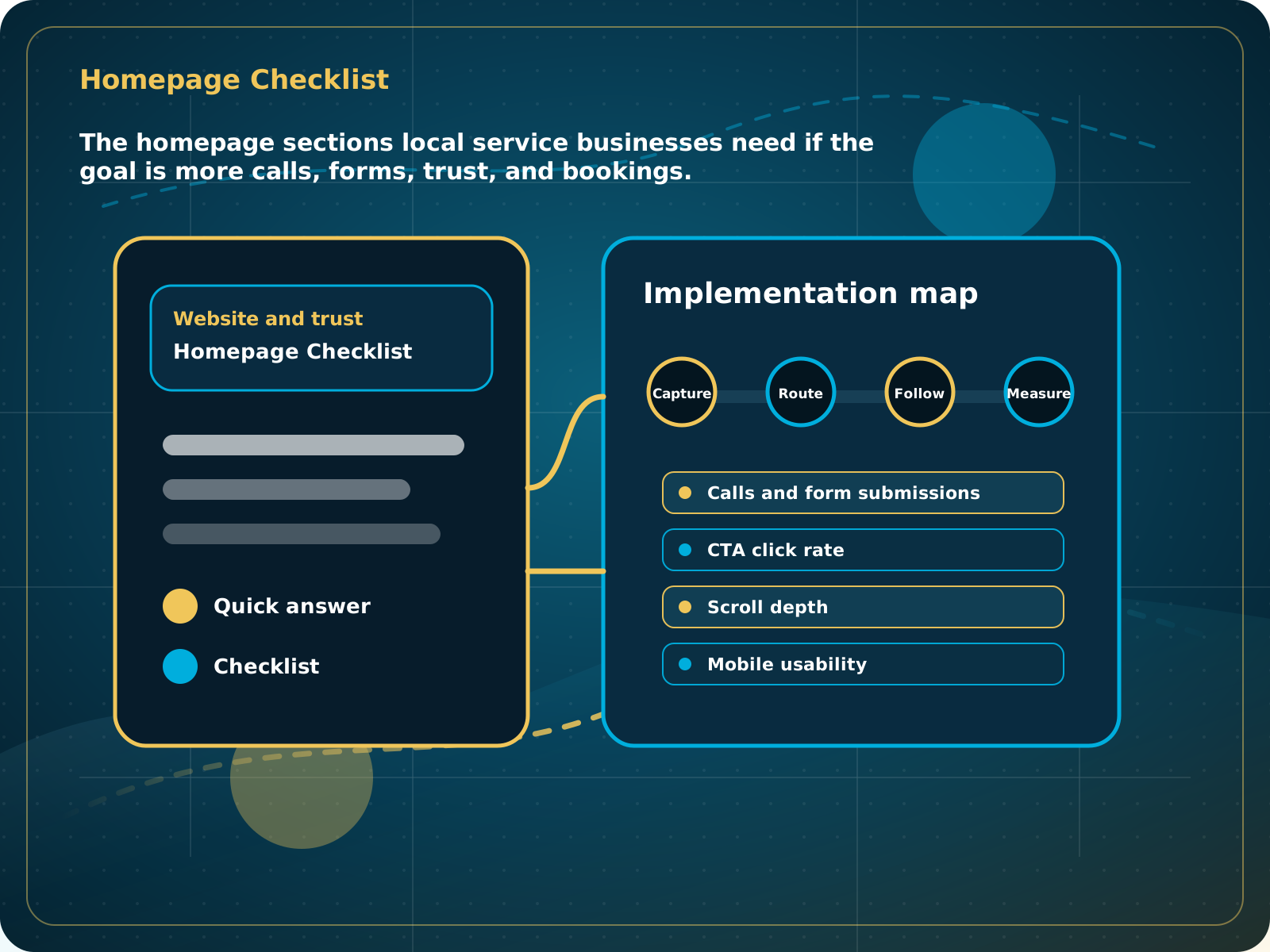
The homepage sections local service businesses need if the goal is more calls, forms, trust, and bookings.
Leads capturedConnected
AI responseConnected
Reviews requestedConnected
Follow-up sentConnected
Website Homepage Checklist
A buyer can understand the offer, trust the business, and contact or book without hunting through the page.
Practical starting point
1Lead with the service and outcome 2Show proof early 3Explain the core services 4Make contact easy on mobile
A homepage has one job first
A visitor should understand what the business does, who it helps, where it works, why it can be trusted, and how to take the next step within a few seconds.
Use a short headline that names the service or problem. Put the service area and a clear call, quote, or booking action near the top.
Add real reviews, recognizable project photos, licenses or credentials when relevant, and a clear reason to trust the business.
Give each main service a short benefit-focused summary and link to a dedicated page with more detail.
Keep the phone, form, quote request, and booking path easy to tap. Test every action on a real phone.
The homepage sections local service businesses need if the goal is more calls, forms, trust, and bookings.
Quick answer: A local business homepage should quickly answer who you help, what you do, why to trust you, what action to take, and how the lead gets captured.
What to know first
A homepage has seconds to explain the business, build trust, and create a clear action. Design matters, but the lead path matters more.
Keep this checklist nearby
- Clear above-the-fold offer and CTA
- Service area and services visible
- Trust proof near the top
- Fast call, form, and booking paths
- FAQ and answer blocks for buyers and search engines
Step by step
Put this into practice.
Use the steps in order the first time. Once the process is working, keep the parts your business actually needs and review them on a simple schedule.
Lead with the service and outcome
Use a short headline that names the service or problem. Put the service area and a clear call, quote, or booking action near the top.
Show proof early
Add real reviews, recognizable project photos, licenses or credentials when relevant, and a clear reason to trust the business.
Explain the core services
Give each main service a short benefit-focused summary and link to a dedicated page with more detail.
Make contact easy on mobile
Keep the phone, form, quote request, and booking path easy to tap. Test every action on a real phone.
Answer buying questions
Cover service area, timing, process, common pricing questions, guarantees when real, and what happens after someone contacts the business.
Connect every action to follow-up
Calls, forms, chats, and booking requests should enter the CRM with a source, owner, stage, and next step.
Common mistakes to avoid
- A pretty page with no lead capture
- No proof until the bottom
- Too many equal CTAs
- Weak mobile layout
- No CRM-connected forms
What to measure
- Calls and form submissions
- CTA click rate
- Scroll depth
- Mobile usability
- Lead source capture
When this is working
A buyer can understand the offer, trust the business, and contact or book without hunting through the page.
How Lead Media Solutions connects this
Business Essentials includes a free 15+ page CRM-connected website designed around this kind of conversion structure.
Business Essentials includes a conversion-focused 15+ page website connected to the CRM. The LMS Help Center covers deeper editing and platform steps for active clients.
Best next step
Business Essentials includes a free 15+ page CRM-connected website for this foundation.
Related starting points
Choose the offer by the actual problem.
AI Receptionist
The business has a response-speed problem.
Test the AIFoundation System
The business has a trust and social proof problem.
Start Foundation SystemBusiness Essentials
The business needs the core operating system.
See Business EssentialsBusiness Essentials
Start with the 15+ page CRM-connected website inside Business Essentials.
Build the Core SystemGuide FAQ
Answer-focused summary.
What is the main point of the Website Homepage Checklist?
A local business homepage should quickly answer who you help, what you do, why to trust you, what action to take, and how the lead gets captured.
Where should I start?
A visitor should understand what the business does, who it helps, where it works, why it can be trusted, and how to take the next step within a few seconds.
Can Lead Media Solutions help implement this?
Yes. Business Essentials includes a conversion-focused 15+ page website connected to the CRM. The LMS Help Center covers deeper editing and platform steps for active clients.
Where can active LMS clients get platform instructions?
Use the Lead Media Solutions Help Center for current button-by-button platform walkthroughs. This guide explains the business process and best-practice setup around those tools.