Reputation
ProblemCustomers are more likely to leave reviews when the path is obvious and the timing is right. Start hereMake the review path easy before asking more often
Review Link Guide
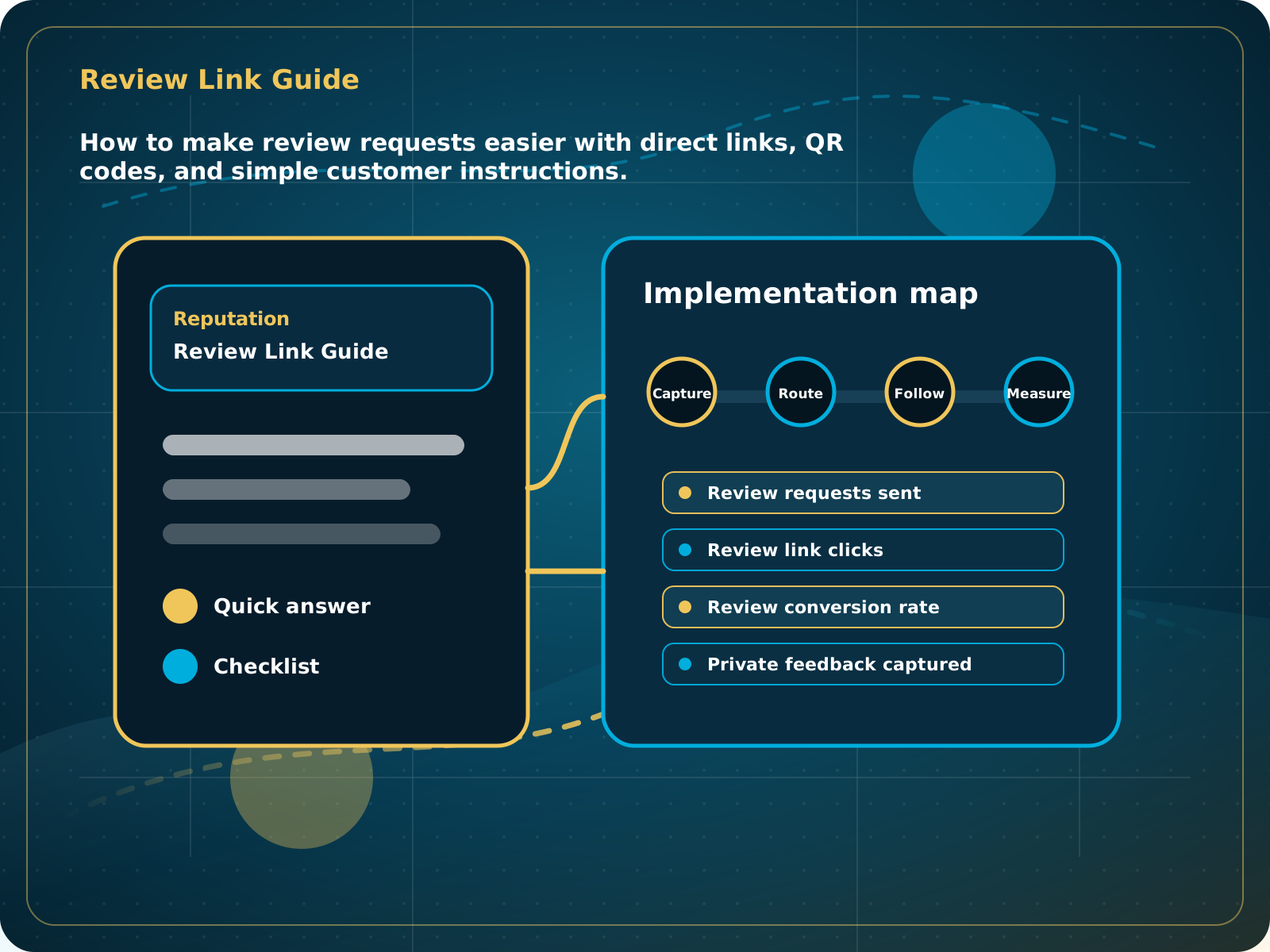
How to make review requests easier with direct links, QR codes, and simple customer instructions.
Leads capturedConnected
AI responseConnected
Reviews requestedConnected
Follow-up sentConnected
Review Link and QR Code Guide
Happy customers have a simple path to leave a review, unhappy customers have a private feedback path, and strong proof is reused on the website.
Practical starting point
1Create the direct review link 2Create and test the QR code 3Choose the right moment 4Use simple request language
Make the review path easy before asking more often
Choose the public review destination you want to grow and confirm that the listing belongs to the correct business. A short direct link is better than asking customers to search for the company on their own.
Use the correct Google review link or approved review destination. Open it in a private browser window and on a phone to make sure it works.
Point the QR code to the same review path. Scan the final printed version before putting it on cards, invoices, signs, or job-completion materials.
Ask after a successful service, a compliment, a solved problem, or a clear sign that the customer is happy. Timing matters more than a long message.
Thank the customer, ask for an honest review, and give the direct link. Do not pressure customers or tell them what rating to leave.
How to make review requests easier with direct links, QR codes, and simple customer instructions.
Quick answer: Review links and QR codes work when they are placed where happy customers naturally see them and paired with clear timing, simple language, and follow-up.
What to know first
Customers are more likely to leave reviews when the path is obvious and the timing is right. A direct link or QR code removes friction.
Keep this checklist nearby
- Create a direct review link
- Create a QR code for invoices, cards, counter signs, and job closeout
- Ask after a completed positive experience
- Route unhappy feedback privately first
- Display strong reviews on the website
Step by step
Put this into practice.
Use the steps in order the first time. Once the process is working, keep the parts your business actually needs and review them on a simple schedule.
Create the direct review link
Use the correct Google review link or approved review destination. Open it in a private browser window and on a phone to make sure it works.
Create and test the QR code
Point the QR code to the same review path. Scan the final printed version before putting it on cards, invoices, signs, or job-completion materials.
Choose the right moment
Ask after a successful service, a compliment, a solved problem, or a clear sign that the customer is happy. Timing matters more than a long message.
Use simple request language
Thank the customer, ask for an honest review, and give the direct link. Do not pressure customers or tell them what rating to leave.
Create a private feedback path
Give unhappy customers a clear way to contact the business so the team can respond to the problem instead of ignoring it.
Display and reuse public proof
Reply to reviews, add the review widget to the website, and share positive public feedback on connected social pages when appropriate.
Common mistakes to avoid
- Asking too late
- Making customers search for where to leave a review
- Sending everyone through the same generic path
- Not replying to reviews
What to measure
- Review requests sent
- Review link clicks
- Review conversion rate
- Private feedback captured
- Reviews displayed on website
When this is working
Happy customers have a simple path to leave a review, unhappy customers have a private feedback path, and strong proof is reused on the website.
How Lead Media Solutions connects this
Foundation System is the cleanest standalone offer for review links, QR codes, AI replies, and a website review widget. It is included in AI Receptionist and Business Essentials; Essentials adds personalized image requests by compliant text.
Foundation System provides the review link, QR code, feedback funnel, AI-assisted replies, website widget, and social proof tools without requiring a phone setup.
Best next step
Foundation System is the clean entry point for this system.
Related starting points
Choose the offer by the actual problem.
AI Receptionist
The business has a response-speed problem.
Test the AIFoundation System
The business has a trust and social proof problem.
Start Foundation SystemBusiness Essentials
The business needs the core operating system.
See Business EssentialsBusiness Essentials
Start with the 15+ page CRM-connected website inside Business Essentials.
Build the Core SystemGuide FAQ
Answer-focused summary.
What is the main point of the Review Link and QR Code Guide?
Review links and QR codes work when they are placed where happy customers naturally see them and paired with clear timing, simple language, and follow-up.
Where should I start?
Choose the public review destination you want to grow and confirm that the listing belongs to the correct business. A short direct link is better than asking customers to search for the company on their own.
Can Lead Media Solutions help implement this?
Yes. Foundation System provides the review link, QR code, feedback funnel, AI-assisted replies, website widget, and social proof tools without requiring a phone setup.
Where can active LMS clients get platform instructions?
Use the Lead Media Solutions Help Center for current button-by-button platform walkthroughs. This guide explains the business process and best-practice setup around those tools.