CRM and follow-up
ProblemA CRM should show what is happening in the business, not just store contacts. Start hereA CRM should tell the team what needs attention
CRM Basics
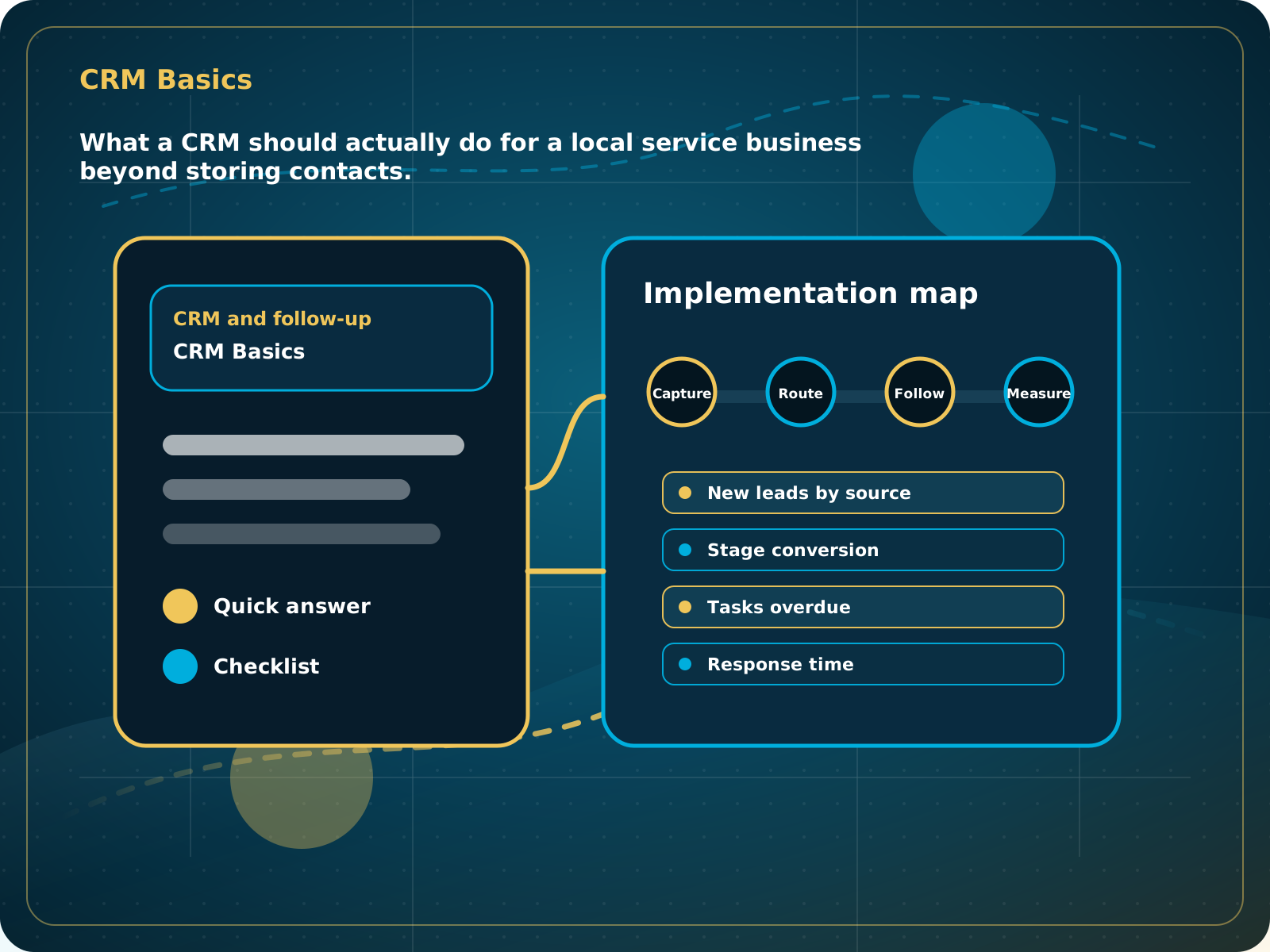
What a CRM should actually do for a local service business beyond storing contacts.
Leads capturedConnected
AI responseConnected
Reviews requestedConnected
Follow-up sentConnected
Local Business CRM Basics
The team can see every open opportunity, what needs attention, and what happened after each inquiry.
Practical starting point
1Connect lead sources 2Create useful pipeline stages 3Set ownership and tasks 4Keep conversations together
A CRM should tell the team what needs attention
The goal is not storing every possible field. The goal is seeing who contacted the business, what they need, where they came from, what stage they are in, who owns the next step, and what happened last.
Send website forms, calls, chats, bookings, social inquiries, referrals, and campaign leads into one contact and opportunity process.
Use stages the team can explain and act on, such as New Lead, Contacted, Estimate Scheduled, Quote Sent, Won, Lost, and Follow-Up.
Every open opportunity should have an owner or automation rule and a visible next action.
Store calls, texts, email, notes, and summaries with the contact so staff do not have to reconstruct the history.
What a CRM should actually do for a local service business beyond storing contacts.
Quick answer: A CRM should show who contacted the business, where they came from, what they need, what stage they are in, who owns the next step, and what follow-up happened.
What to know first
A CRM should show what is happening in the business, not just store contacts. It should make lead handling visible and repeatable.
Keep this checklist nearby
- Contacts and conversations
- Pipeline stages
- Tasks and reminders
- Forms, chat, calls, and booking capture
- Reviews, reporting, proposals, invoices, and payments
Step by step
Put this into practice.
Use the steps in order the first time. Once the process is working, keep the parts your business actually needs and review them on a simple schedule.
Connect lead sources
Send website forms, calls, chats, bookings, social inquiries, referrals, and campaign leads into one contact and opportunity process.
Create useful pipeline stages
Use stages the team can explain and act on, such as New Lead, Contacted, Estimate Scheduled, Quote Sent, Won, Lost, and Follow-Up.
Set ownership and tasks
Every open opportunity should have an owner or automation rule and a visible next action.
Keep conversations together
Store calls, texts, email, notes, and summaries with the contact so staff do not have to reconstruct the history.
Connect booking and money
Use calendars, reminders, proposals, estimates, invoices, and payments where they support the actual customer process.
Add follow-up carefully
Automate predictable reminders and responses while keeping judgment-heavy conversations with the team.
Review a small dashboard
Track leads by source, response time, stage movement, booked work, reviews, and overdue follow-up. Focus on numbers the team can improve.
Common mistakes to avoid
- Using a CRM only as a contact database
- No pipeline discipline
- No source tracking
- No automation for basic follow-up
What to measure
- New leads by source
- Stage conversion
- Tasks overdue
- Response time
- Revenue or booked jobs by source
When this is working
The team can see every open opportunity, what needs attention, and what happened after each inquiry.
How Lead Media Solutions connects this
Business Essentials is the full CRM and operating system starting point.
Business Essentials includes the CRM, website, AI Receptionist, Foundation review engine, follow-up, booking, reporting, setup, and training. Use the LMS Help Center for deeper in-system walkthroughs.
Best next step
Business Essentials is the main core CRM and operating system plan.
Related starting points
Choose the offer by the actual problem.
AI Receptionist
The business has a response-speed problem.
Test the AIFoundation System
The business has a trust and social proof problem.
Start Foundation SystemBusiness Essentials
The business needs the core operating system.
See Business EssentialsBusiness Essentials
Start with the 15+ page CRM-connected website inside Business Essentials.
Build the Core SystemGuide FAQ
Answer-focused summary.
What is the main point of the Local Business CRM Basics?
A CRM should show who contacted the business, where they came from, what they need, what stage they are in, who owns the next step, and what follow-up happened.
Where should I start?
The goal is not storing every possible field. The goal is seeing who contacted the business, what they need, where they came from, what stage they are in, who owns the next step, and what happened last.
Can Lead Media Solutions help implement this?
Yes. Business Essentials includes the CRM, website, AI Receptionist, Foundation review engine, follow-up, booking, reporting, setup, and training. Use the LMS Help Center for deeper in-system walkthroughs.
Where can active LMS clients get platform instructions?
Use the Lead Media Solutions Help Center for current button-by-button platform walkthroughs. This guide explains the business process and best-practice setup around those tools.