CRM and follow-up
ProblemA lead magnet works when it captures early interest and triggers useful follow-up. Start hereA lead magnet needs a next step, not just a file
Lead Magnet Guide
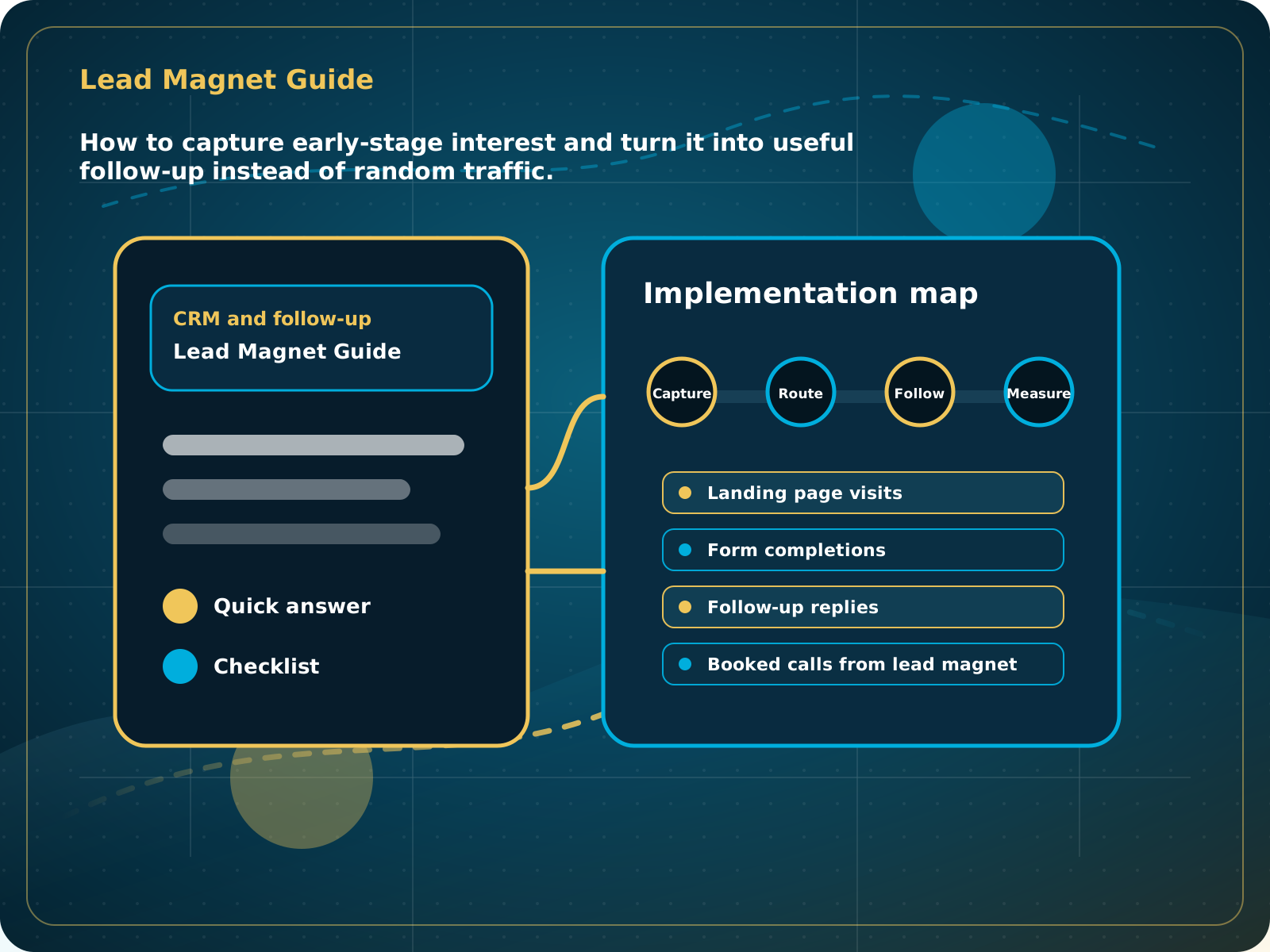
How to capture early-stage interest and turn it into useful follow-up instead of random traffic.
Leads capturedConnected
AI responseConnected
Reviews requestedConnected
Follow-up sentConnected
Lead Magnet System Guide
The lead magnet solves a real buyer problem, collects clean details, and starts a follow-up path connected to the right offer.
Practical starting point
1Choose one useful problem 2Publish the useful answer 3Ask only for needed information 4Tag the source and interest
A lead magnet needs a next step, not just a file
Choose a small problem your ideal customer already wants to solve. The resource should be useful on its own and naturally lead into a relevant conversation or service.
Use a checklist, calculator, local guide, preparation list, comparison, or self-audit tied to a real buying question.
A well-structured web guide can be easier to update, share, index, and read on a phone than a forced download.
If contact details are required, explain why and keep the form short. Do not make every helpful resource feel trapped behind a form.
Record which resource the person used and what problem it suggests so follow-up can be relevant.
How to capture early-stage interest and turn it into useful follow-up instead of random traffic.
Quick answer: A lead magnet should collect early-stage interest and trigger useful follow-up, not just create a random file with no next step.
What to know first
A lead magnet works when it captures early interest and triggers useful follow-up. Without CRM connection, it becomes another disconnected marketing asset.
Keep this checklist nearby
- Choose a problem buyers already care about
- Create a useful checklist or guide page
- Capture contact details clearly
- Trigger follow-up inside the CRM
- Route interested leads into the right offer path
Step by step
Put this into practice.
Use the steps in order the first time. Once the process is working, keep the parts your business actually needs and review them on a simple schedule.
Choose one useful problem
Use a checklist, calculator, local guide, preparation list, comparison, or self-audit tied to a real buying question.
Publish the useful answer
A well-structured web guide can be easier to update, share, index, and read on a phone than a forced download.
Ask only for needed information
If contact details are required, explain why and keep the form short. Do not make every helpful resource feel trapped behind a form.
Tag the source and interest
Record which resource the person used and what problem it suggests so follow-up can be relevant.
Send a useful follow-up
Deliver the promised resource or next step, add one practical tip, and invite the reader to the most relevant offer without pretending they are ready to buy.
Measure the full path
Track visits, completions, replies, booked calls, and plan fit. Improve the resource or follow-up based on what people actually do.
Common mistakes to avoid
- Creating a generic PDF nobody wants
- No CRM connection
- No follow-up sequence
- No clear offer after the lead magnet
What to measure
- Landing page visits
- Form completions
- Follow-up replies
- Booked calls from lead magnet
- Offer path conversion
When this is working
The lead magnet solves a real buyer problem, collects clean details, and starts a follow-up path connected to the right offer.
How Lead Media Solutions connects this
Business Essentials connects landing pages, forms, lead magnets, CRM tags, and follow-up automation.
Business Essentials can connect resource pages, forms, tags, CRM records, workflows, and follow-up. Public LMS guides use the same approach by giving useful information before asking for a call.
Best next step
Business Essentials can connect lead magnets, forms, automation, and follow-up.
Related starting points
Choose the offer by the actual problem.
AI Receptionist
The business has a response-speed problem.
Test the AIFoundation System
The business has a trust and social proof problem.
Start Foundation SystemBusiness Essentials
The business needs the core operating system.
See Business EssentialsBusiness Essentials
Start with the 15+ page CRM-connected website inside Business Essentials.
Build the Core SystemGuide FAQ
Answer-focused summary.
What is the main point of the Lead Magnet System Guide?
A lead magnet should collect early-stage interest and trigger useful follow-up, not just create a random file with no next step.
Where should I start?
Choose a small problem your ideal customer already wants to solve. The resource should be useful on its own and naturally lead into a relevant conversation or service.
Can Lead Media Solutions help implement this?
Yes. Business Essentials can connect resource pages, forms, tags, CRM records, workflows, and follow-up. Public LMS guides use the same approach by giving useful information before asking for a call.
Where can active LMS clients get platform instructions?
Use the Lead Media Solutions Help Center for current button-by-button platform walkthroughs. This guide explains the business process and best-practice setup around those tools.