Reputation
ProblemFor many local buyers, the Google Business Profile is the first trust check. Start hereUse the profile your customers actually find
Google Profile Guide
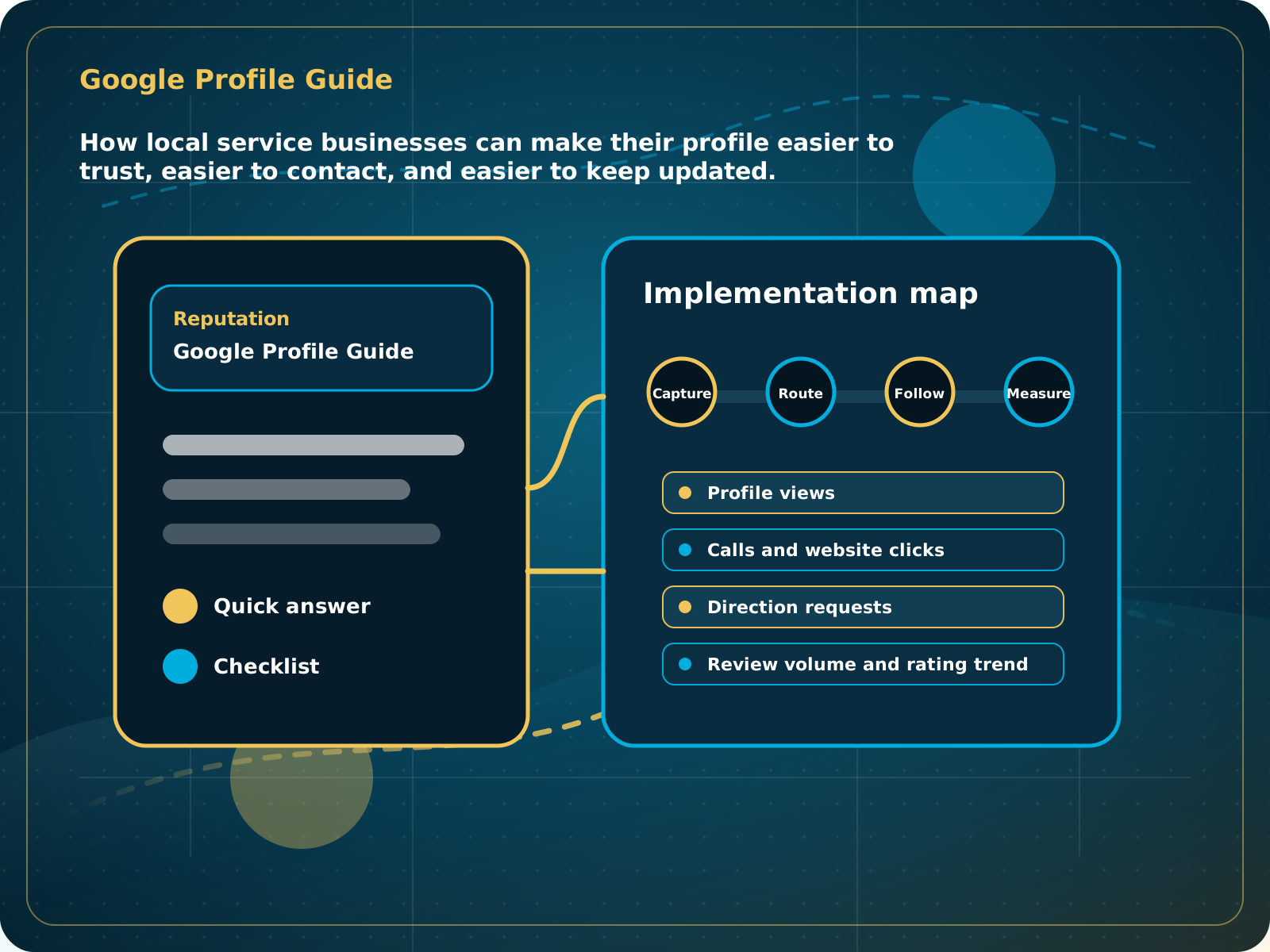
How local service businesses can make their profile easier to trust, easier to contact, and easier to keep updated.
Leads capturedConnected
AI responseConnected
Reviews requestedConnected
Follow-up sentConnected
Google Business Profile Guide
The profile clearly explains the service, shows recent proof, routes buyers to a strong website or booking path, and supports review growth every month.
Practical starting point
1Confirm ownership and business facts 2Choose the most accurate primary category 3Build out services and contact paths 4Add current, real photos
Use the profile your customers actually find
Confirm that you control the correct Google Business Profile before changing anything. Duplicate listings, old phone numbers, and mismatched service details can create confusion for customers and search engines.
Verify the business name, primary category, address or service area, phone, website, hours, and holiday hours. Keep these facts consistent with the website.
Use the category that best describes the main service customers hire you for. Add secondary categories only when they represent real services.
Add clear service descriptions, a working website link, booking link when useful, and the phone number your team can actually answer or track.
Use recent job photos, team photos, equipment, before-and-after examples, and the outside of the business when customers visit a location.
How local service businesses can make their profile easier to trust, easier to contact, and easier to keep updated.
Quick answer: Your Google Business Profile should make it easy for a buyer to trust you, understand what you do, contact you, and see recent proof that the business is active.
What to know first
For many local buyers, the Google Business Profile is the first trust check. If the profile looks stale, thin, or inconsistent, prospects may never reach the website.
Keep this checklist nearby
- Confirm name, category, service area, hours, phone, and website
- Add services with clear descriptions
- Add real photos from recent jobs
- Post updates and useful service notes
- Connect review requests to your follow-up process
Step by step
Put this into practice.
Use the steps in order the first time. Once the process is working, keep the parts your business actually needs and review them on a simple schedule.
Confirm ownership and business facts
Verify the business name, primary category, address or service area, phone, website, hours, and holiday hours. Keep these facts consistent with the website.
Choose the most accurate primary category
Use the category that best describes the main service customers hire you for. Add secondary categories only when they represent real services.
Build out services and contact paths
Add clear service descriptions, a working website link, booking link when useful, and the phone number your team can actually answer or track.
Add current, real photos
Use recent job photos, team photos, equipment, before-and-after examples, and the outside of the business when customers visit a location.
Create a review routine
Ask after successful work, make the review link easy to use, reply to reviews, and route unhappy feedback into a real follow-up process.
Review activity every month
Check calls, website clicks, reviews, questions, photos, and profile accuracy. Update anything that changed before customers find the wrong information.
Official referencesGoogle guidance for improving local visibility
Common mistakes to avoid
- Using the wrong primary category
- Letting photos and posts go stale
- Linking to a weak homepage with no clear lead path
- Ignoring questions, messages, and review replies
What to measure
- Profile views
- Calls and website clicks
- Direction requests
- Review volume and rating trend
- Recent photo and post activity
When this is working
The profile clearly explains the service, shows recent proof, routes buyers to a strong website or booking path, and supports review growth every month.
How Lead Media Solutions connects this
Foundation System helps with the review and social proof layer and is included inside AI Receptionist. Business Essentials connects profile traffic to CRM forms, calls, conversations, personalized review requests, and follow-up.
Foundation System helps run the review, reply, widget, and social-proof routine. Business Essentials connects profile calls and website actions to CRM tracking and follow-up.
Best next step
Pair this with Foundation System if reviews and credibility are the biggest gaps.
Related starting points
Choose the offer by the actual problem.
AI Receptionist
The business has a response-speed problem.
Test the AIFoundation System
The business has a trust and social proof problem.
Start Foundation SystemBusiness Essentials
The business needs the core operating system.
See Business EssentialsBusiness Essentials
Start with the 15+ page CRM-connected website inside Business Essentials.
Build the Core SystemGuide FAQ
Answer-focused summary.
What is the main point of the Google Business Profile Guide?
Your Google Business Profile should make it easy for a buyer to trust you, understand what you do, contact you, and see recent proof that the business is active.
Where should I start?
Confirm that you control the correct Google Business Profile before changing anything. Duplicate listings, old phone numbers, and mismatched service details can create confusion for customers and search engines.
Can Lead Media Solutions help implement this?
Yes. Foundation System helps run the review, reply, widget, and social-proof routine. Business Essentials connects profile calls and website actions to CRM tracking and follow-up.
Where can active LMS clients get platform instructions?
Use the Lead Media Solutions Help Center for current button-by-button platform walkthroughs. This guide explains the business process and best-practice setup around those tools.