Reputation
ProblemSome businesses do not need a full CRM first. Start hereNew Foundation client? Start here
Foundation Guide
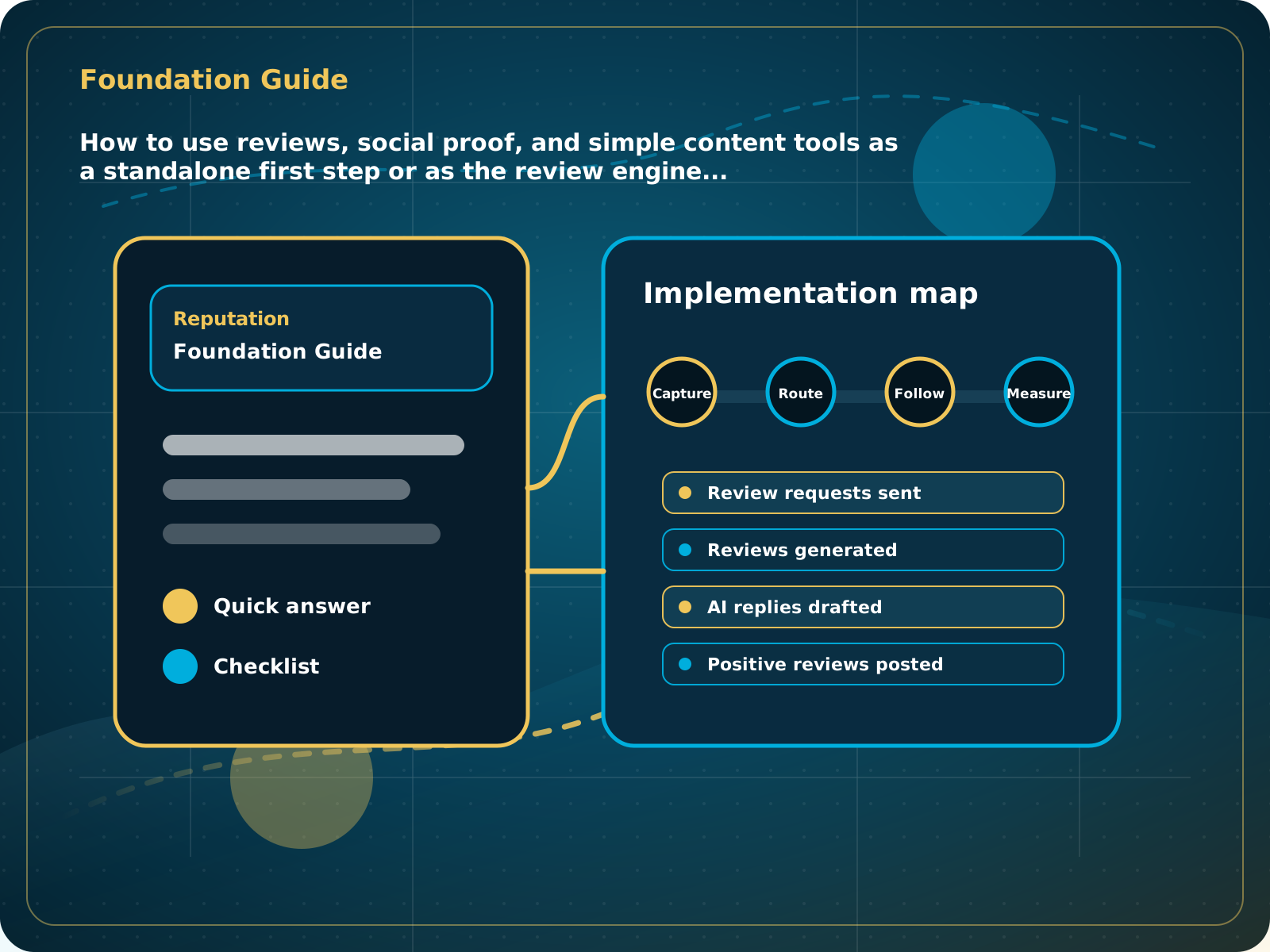
How to use reviews, social proof, and simple content tools on their own or as the review engine included in AI Receptionist and Business Essentials.
Leads capturedConnected
AI responseConnected
Reviews requestedConnected
Follow-up sentConnected
Foundation System Guide
The business has a repeatable weekly review and social-proof routine before adding heavier CRM or paid growth layers.
Practical starting point
1Open your account and confirm business details 2Choose the public review destinations 3Create the review link and QR code 4Set the review reply style
New Foundation client? Start here
Foundation System is the hands-off starting point for reviews, social proof, and simple content planning. It does not require a new phone number, A2P registration, or a full CRM onboarding call. Most businesses can complete the basic setup in one focused session.
Use the access email to sign in. Confirm the business name, website, contact details, primary service, service area, logo, and approved brand information.
Confirm the correct Google Business Profile and any other approved review destination. Test the direct review link before sharing it.
Use the link in messages, invoices, email signatures, printed cards, counter signs, or job-completion materials. Scan the QR code from a real phone.
Choose a natural tone and confirm the main service and service area defaults. Review replies should use real customer context and never invent details.
How to use reviews, social proof, and simple content tools on their own or as the review engine included in AI Receptionist and Business Essentials.
Quick answer: Foundation System gives a business a simple review, reply, social proof, and content-planning routine without requiring a phone number, A2P registration, or full CRM onboarding. It is also included inside AI Receptionist and Business Essentials.
What to know first
Some businesses do not need a full CRM first. They need a clear review routine, more visible proof, and simple content tools they can start using without phone setup or a long onboarding process.
Keep this checklist nearby
- Confirm business and brand details
- Set the correct review destination
- Create and test the review link and QR code
- Set the AI review reply style
- Connect the real Facebook Page and supported social accounts
- Add the review widget to the site
- Follow the weekly review and social-proof routine
Step by step
Put this into practice.
Use the steps in order the first time. Once the process is working, keep the parts your business actually needs and review them on a simple schedule.
Open your account and confirm business details
Use the access email to sign in. Confirm the business name, website, contact details, primary service, service area, logo, and approved brand information.
Choose the public review destinations
Confirm the correct Google Business Profile and any other approved review destination. Test the direct review link before sharing it.
Create the review link and QR code
Use the link in messages, invoices, email signatures, printed cards, counter signs, or job-completion materials. Scan the QR code from a real phone.
Set the review reply style
Choose a natural tone and confirm the main service and service area defaults. Review replies should use real customer context and never invent details.
Connect supported social pages
Connect the real Facebook Page and Instagram account where appropriate. Do not connect a personal Facebook profile as the business Page.
Set up the website review widget
Add the widget to a page where prospects compare trust, such as the homepage, service page, reviews page, or quote page.
Build a simple weekly routine
Ask recent happy customers for reviews, check new feedback, review suggested replies, reuse strong public proof, and schedule a small amount of useful content.
Know when to upgrade
Move into Business Essentials when you need compliant SMS review automation, personalized customer-name images, CRM tracking, pipeline, booking, or broader follow-up.
Common mistakes to avoid
- Expecting it to replace a full CRM
- Not asking customers consistently
- Not using proof on the website
- Ignoring low-friction setup tasks
What to measure
- Review requests sent
- Reviews generated
- AI replies reviewed
- Positive reviews posted
- Widget visibility
- Social posts scheduled
When this is working
The business has a repeatable weekly review and social-proof routine before adding heavier CRM or paid growth layers.
How Lead Media Solutions connects this
Foundation System is the direct standalone offer for this path and is included inside AI Receptionist and Business Essentials.
Use this page as your setup roadmap. For button-by-button walkthroughs inside the LMS platform, open the Help Center. Foundation System is also included in AI Receptionist and Business Essentials.
Best next step
Start here if the business needs credibility before more complex automation.
Related starting points
Choose the offer by the actual problem.
AI Receptionist
The business has a response-speed problem.
Test the AIFoundation System
The business has a trust and social proof problem.
Start Foundation SystemBusiness Essentials
The business needs the core operating system.
See Business EssentialsBusiness Essentials
Start with the 15+ page CRM-connected website inside Business Essentials.
Build the Core SystemGuide FAQ
Answer-focused summary.
What is the main point of the Foundation System Guide?
Foundation System gives a business a simple review, reply, social proof, and content-planning routine without requiring a phone number, A2P registration, or full CRM onboarding. It is also included inside AI Receptionist and Business Essentials.
Where should I start?
Foundation System is the hands-off starting point for reviews, social proof, and simple content planning. It does not require a new phone number, A2P registration, or a full CRM onboarding call. Most businesses can complete the basic setup in one focused session.
Can Lead Media Solutions help implement this?
Yes. Use this page as your setup roadmap. For button-by-button walkthroughs inside the LMS platform, open the Help Center. Foundation System is also included in AI Receptionist and Business Essentials.
Where can active LMS clients get platform instructions?
Use the Lead Media Solutions Help Center for current button-by-button platform walkthroughs. This guide explains the business process and best-practice setup around those tools.