AI and response
ProblemAI voice is useful when it improves speed and consistency. Start hereGive the AI a narrow, useful job first
AI Voice Guide
What AI voice can handle, what humans should still handle, and how to roll it out responsibly.
Leads capturedConnected
AI responseConnected
Reviews requestedConnected
Follow-up sentConnected
AI Voice for Local Businesses Guide
The AI answers common scenarios, escalates edge cases, captures clean details, and gives staff better context.
Practical starting point
1Choose the call role 2Document business facts 3Define calendar selection 4Create human handoffs
Give the AI a narrow, useful job first
Start with the calls your business handles repeatedly: missed calls, after-hours questions, service-area checks, basic qualification, booking direction, and staff transfers. Keep sensitive or unusual decisions with a human.
Decide whether the AI answers first, answers only after the team does not pick up, or handles a specific number or campaign.
Provide services, areas, hours, FAQs, booking rules, transfer numbers, emergency boundaries, and anything the AI must never promise.
Map each call scenario to the right calendar, appointment type, team member, service area, and available time rules.
Set rules for complaints, unusual pricing, emergencies, sensitive information, low confidence, and callers who directly ask for a person.
What AI voice can handle, what humans should still handle, and how to roll it out responsibly.
Quick answer: AI voice should handle first response, common questions, missed calls, after-hours capture, and booking direction. It should not pretend to be a human or handle complex judgment calls without handoff rules.
What to know first
AI voice is useful when it improves speed and consistency. It should handle repeatable first-response tasks without pretending to replace judgment.
Keep this checklist nearby
- Define services, hours, service areas, and FAQs
- Set handoff and transfer rules
- Test real call scenarios
- Review transcripts and improve prompts
- Handle outbound and SMS compliance carefully
Step by step
Put this into practice.
Use the steps in order the first time. Once the process is working, keep the parts your business actually needs and review them on a simple schedule.
Choose the call role
Decide whether the AI answers first, answers only after the team does not pick up, or handles a specific number or campaign.
Document business facts
Provide services, areas, hours, FAQs, booking rules, transfer numbers, emergency boundaries, and anything the AI must never promise.
Define calendar selection
Map each call scenario to the right calendar, appointment type, team member, service area, and available time rules.
Create human handoffs
Set rules for complaints, unusual pricing, emergencies, sensitive information, low confidence, and callers who directly ask for a person.
Test real conversations
Run normal, rushed, unclear, out-of-area, after-hours, price-shopping, booking, cancellation, and human-transfer scenarios.
Review and improve
Check summaries, captured fields, bookings, transfers, and incorrect answers. Improve the business knowledge and rules from real calls.
Common mistakes to avoid
- Launching without testing
- Letting AI answer questions it should escalate
- No staff notification process
- No compliance review for outbound use
What to measure
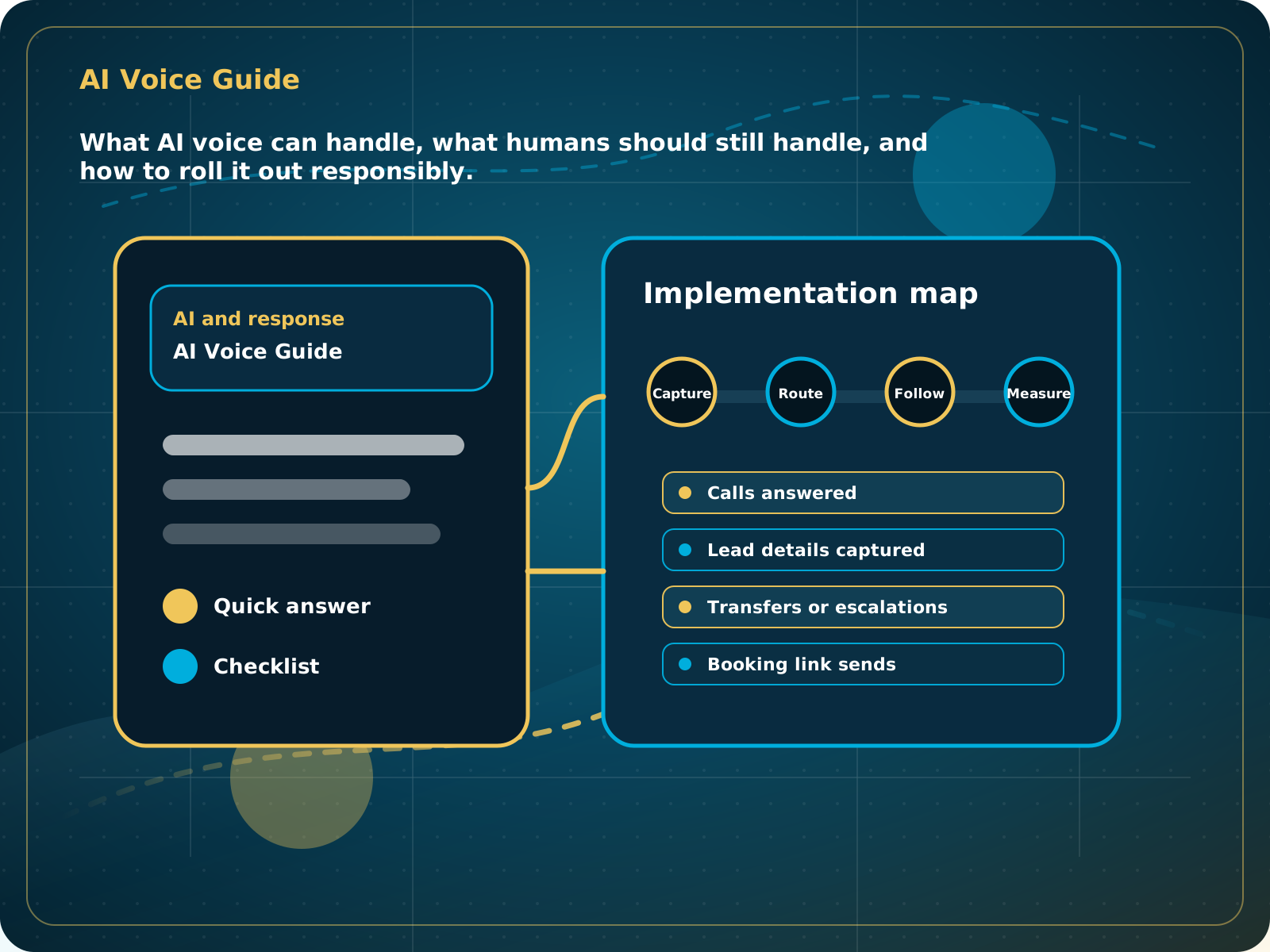
- Calls answered
- Lead details captured
- Transfers or escalations
- Booking link sends
- Conversation quality review
When this is working
The AI answers common scenarios, escalates edge cases, captures clean details, and gives staff better context.
How Lead Media Solutions connects this
AI Receptionist is the standalone starting point. Business Essentials includes AI Receptionist and adds the broader CRM, website, reviews, SMS where appropriate, and follow-up flows around it.
AI Receptionist includes setup, testing, and the Foundation review system. The LMS Help Center is the best place for current platform walkthroughs after launch.
Best next step
AI Receptionist is the practical starting point for AI voice and website chat.
Related starting points
Choose the offer by the actual problem.
AI Receptionist
The business has a response-speed problem.
Test the AIFoundation System
The business has a trust and social proof problem.
Start Foundation SystemBusiness Essentials
The business needs the core operating system.
See Business EssentialsBusiness Essentials
Start with the 15+ page CRM-connected website inside Business Essentials.
Build the Core SystemGuide FAQ
Answer-focused summary.
What is the main point of the AI Voice for Local Businesses Guide?
AI voice should handle first response, common questions, missed calls, after-hours capture, and booking direction. It should not pretend to be a human or handle complex judgment calls without handoff rules.
Where should I start?
Start with the calls your business handles repeatedly: missed calls, after-hours questions, service-area checks, basic qualification, booking direction, and staff transfers. Keep sensitive or unusual decisions with a human.
Can Lead Media Solutions help implement this?
Yes. AI Receptionist includes setup, testing, and the Foundation review system. The LMS Help Center is the best place for current platform walkthroughs after launch.
Where can active LMS clients get platform instructions?
Use the Lead Media Solutions Help Center for current button-by-button platform walkthroughs. This guide explains the business process and best-practice setup around those tools.